
FRITZ! – Here's why: FRITZ!Apps
go directly to the main content
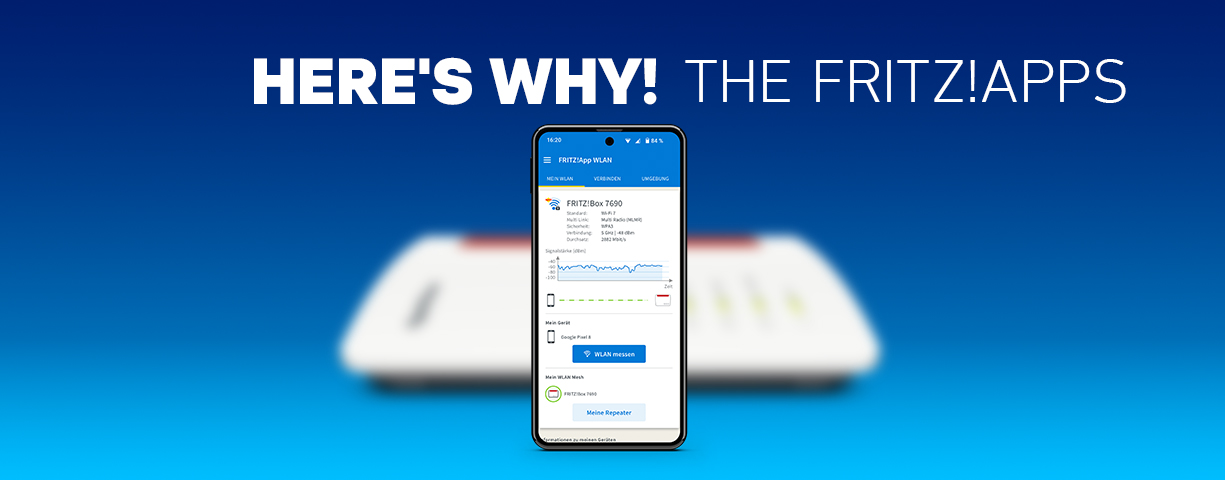
FRITZ! – Here's why: FRITZ!Apps
The FRITZ!Apps make the most important FRITZ!Box functions available on a smartphone or tablet – from secure remote access and data access via smart home to landline telephony via app. Providers benefit from fast operation launch at the customer, clear user guidance, and the likelihood of fewer support tickets – combined with a perceived improvement in customer service. All FRITZ!Apps are available free of charge and can be configured in a few steps.
Overview of the FRITZ!Apps
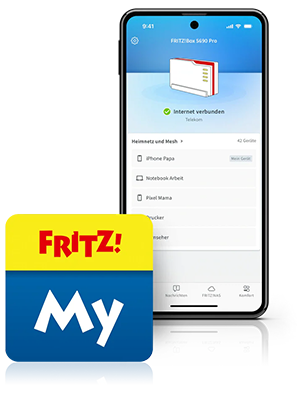
MyFRITZ!App
The MyFRITZ!App provides a quick overview of the home or office network and the FRITZ!Mesh, including device status and connection info. Internet access can be blocked, unblocked or prioritized with a click.
Greater transparency and faster self-help for the customer mean that you, the provider, are likely to receive fewer support requests relating to Wi-Fi/network topics.
- Easy initial setup of FRITZ!Box and FRITZ!Mesh Sets
- New: Self-service with the FRITZ! chat bot
- New: Health check for proactive information and tips relating to the network
- Listen to answering machine messages at home or on the go
- Access connected USB storage media (FRITZ!NAS)
- Real-time push messages for missed calls, new voice mails, and other events in the home network
- Operating systems: iOS and Android
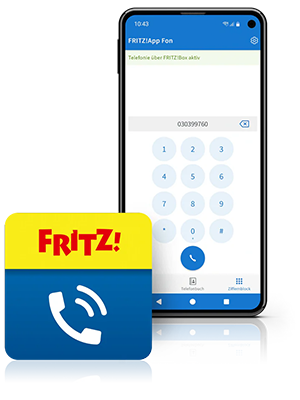
FRITZ!App Fon
With the FRITZ!App Fon, a smartphone or tablet acts as a landline phone on the FRITZ!Box – with HD telephony and Bluetooth headset support: ideal for the home office.
As a provider, you benefit from clear added value for voice services, increased usage of the landline, and less work due to the simple app-based configuration.
- Use a smartphone or tablet as a landline phone for making calls conveniently
- Access all stored contacts on FRITZ!Box and smartphone
- Control (video) door intercom systems from the app, open the door, and transmit audio and the camera image.
- Perfect for home office: excellent HD sound quality; supports Bluetooth headsets
- View/control answering machine and call list
- Operating systems: iOS and Android
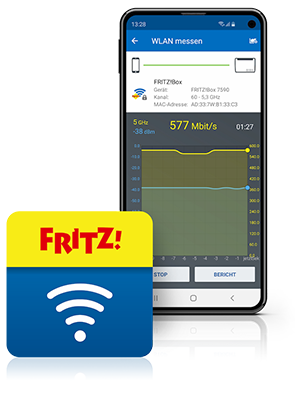
FRITZ!App Wi-Fi
The FRITZ!App Wi-Fi turns the smartphone or tablet into a Wi-Fi network analysis tool: It shows reception, speed and Wi-Fi environment in real time and helps the user find the best location for repeaters and the Mesh.
The customer's Wi-Fi performance reduces your support workload: Fewer Wi-Fi problems due to the effective self-service tool for optimizing the performance on site.
- Displays in real time the current Wi-Fi reception and the connection speed of the smartphone or tablet
- Helps the user to connect mobile terminal devices with wireless routers, and to find the ideal positions for repeaters
- Easy forwarding of Wi-Fi access information in the guest network via a convenient QR code
- Contains the most important Wi-Fi information: IP address used, frequency bands supported, and current transmission rate
- Detailed overview of other nearby Wi-Fi networks
Operating system: Android and iOS (however, iOS has a smaller range of functions)
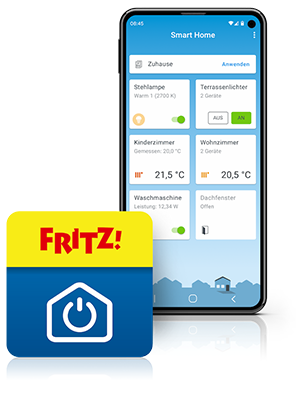
FRITZ!App Smart Home
The FRITZ!App Smart Home is the control hub for FRITZ! Smart Home devices – at home, at work, and on the go – including overview and individually adjustable automation functions, such as schedules or presence-based scenarios.
Benefit from additional value-added services in the home network, increased customer loyalty due to smart home use cases, and the simple extension of the internet connection via the FRITZ! ecosystem.Geofencing via MyFRITZ! also enables FRITZ!Box-based automation functions that react to the presence and absence of people.
- Turn connected devices on and off via FRITZ!DECT or Smart Energy 200 and 210
- Regulate temperature with the FRITZ!Smart Thermo 301 and 302 radiator controls
- Display total energy consumption at specific times via FRITZ!Smart Energy 250
- Geofencing included – for FRITZ!Box automation functions based on presence and absence of people
- Control Zigbee devices via the FRITZ!Smart Gateway
- Overview of smart home devices at all times via secure access from any location
- Sensor technology (on/off, consumption, temperature, humidity, open/closed status, meter reading) with FRITZ!Smart Energy 200, FRITZ!Smart Energy 250 and FRITZ!Smart Control 350 and 440
- Operating systems: iOS and Android
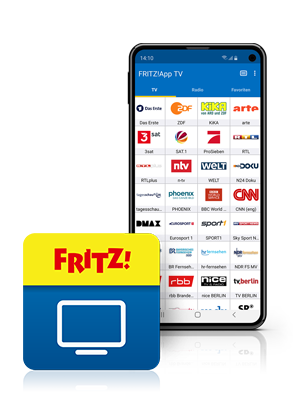
FRITZ!App TV
The FRITZ!App TV brings TV in the home network to a smartphone or tablet: public service broadcasters via online TV and free-to-air DVB-C programmes from the cable provider.
Attractive added value for cable customers: increased product awareness in the home network, and marketing of cable hardware and cable plans.
- Online TV provides access to a range of public service broadcasters
- With FRITZ!Box Cable: watch cable TV programmes flexibly via DVB-C on a tablet or smartphone
- App detects channel list automatically: simply download and start
- Change channel or mute simply by swiping or touching a button
- Operating systems: iOS and Android
Summary
- For you as a provider, the FRITZ!Apps are an effective means of visibly increasing the benefits for customers for all aspects of their internet connection: from the simple initial configuration and operation launch, to Wi-Fi optimization and Mesh transparency, to landline telephony in the home office, smart home, and TV in the home network.
- As challenges arise in the home network, users are immediately offered the right solution in the app – clearly, quickly, and whenever possible without additional customer support contact. This makes onboarding easier, supports self-help in everyday situations, can reduce support requests, and simultaneously increases satisfaction and loyalty.
- At the same time, the apps make clear arguments for differentiation and upselling – for example, for Mesh, repeaters, smart home components or cable hardware – and ensure the customer's long-term awareness of the added value of their internet connection.
Have any questions?
We're happy to answer them for you! You can find out how to get in touch with your contact person under Contact.
 Deutschland
 Österreich
 España
 Schweiz
 Italia
 Nederland