
Upload sharing that makes sharing files easy
go directly to the main content
Upload sharing that makes sharing files easy
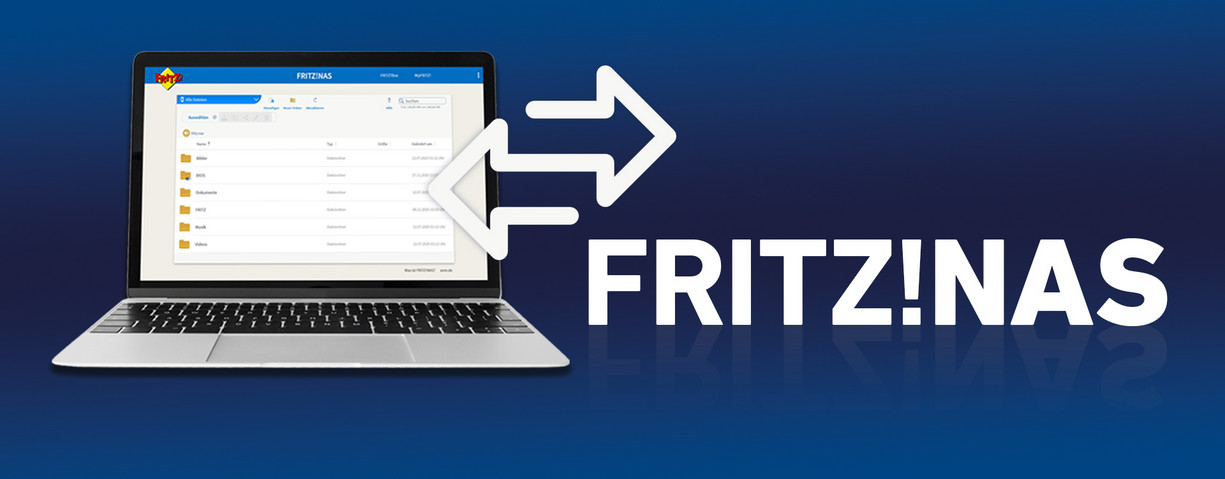
With the new FRITZ!OS 8.20, sharing files via FRITZ!NAS is now even easier. Thanks to the new upload sharing you can easily collect photos, videos and documents. Simply create a sharing link and your colleagues, friends and family can upload your files. Sharing files can be so easy!
What is FRITZ!NAS?
The NAS (Network Attached Storage) system can be easily integrated into the home network of your FRITZ!Box using a LAN cable. Then you can share the network storage media on all devices in the home network and, if necessary, also with selected users on the internet. Since the NAS system makes data stored on it available autonomously, no additional settings in the FRITZ!Box are required. This is very practical, and not just for collecting photos from the last company party!
Find out more about setting this up here:
Using a NAS system in the FRITZ! home network
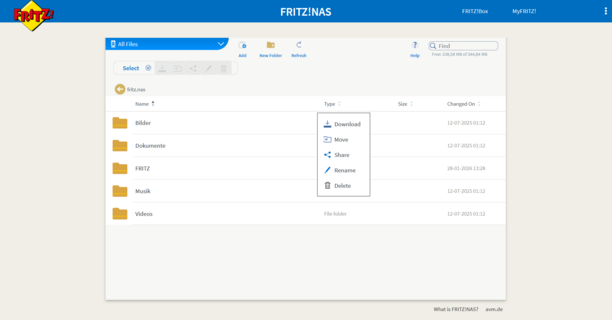
When you right-click on the folder or file of your choice, you get these five options:
- Download
- Move
- Share
- Rename
- Delete
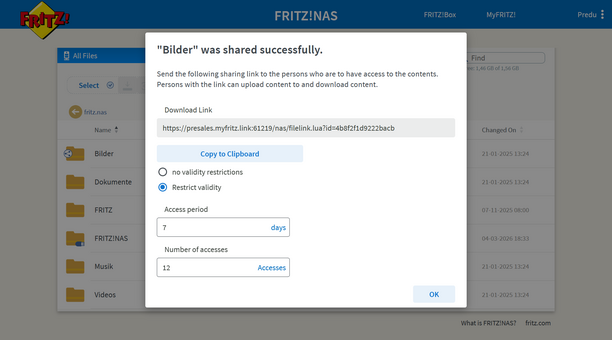
- Sharing content
After you click on Share, a window appears with the download link, which you can copy and share as usual.
If you want the share to be valid only for a specific time period, or want to limit it to a specific number of users, you can also define this here.
- Central team storage media
Shared storage location for documents, presentations and project resources – ideal for small teams and offices.
- Secure access from on the go
Colleagues can use MyFRITZ! or a VPN to securely access important files from outside the network – perfect for field service and working remotely.
- Simple, controlled file sharing
Large files can be shared internally or with selected external users without having the use cloud services or third-party providers.
Access from on the go
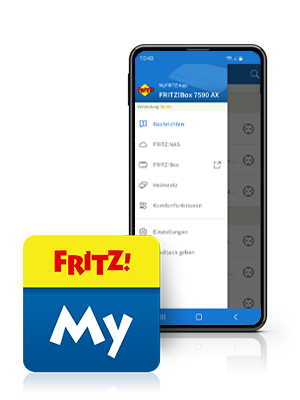
You can always use a web browser to easily and securely access FRITZ!NAS (http://fritz.nas/) from anywhere to upload and download files, or play multimedia content such as videos, photos or music.
We recommend using MyFRITZ!App on smartphones and tablets. If you do not want to allow files to be changed, we recommend practical download links.
To find out how to prepare the FRITZ!Box for this and give the respective users access to the NAS system from the internet, see our detailed explanation in our Knowledge Base:
Accessing FRITZ!NAS over the internet
Have any questions?
We're happy to answer them for you! You can find out how to get in touch with your contact person under Contact.
 Deutschland
 Österreich
 España
 Schweiz
 Italia
 Nederland