
Targeted Control of Internet Use in the Company
go directly to the main content

Targeted Control of Internet Use in the Company
A wide variety of device access the network in a company – employees, guests, private smartphones and IoT systems. Without clear rules, security risks, bandwidth problems and unnecessary distractions can arise.
Use the parental controls in the FRITZ!Box known from use in families as flexible rights management for corporate networks.
Controlling the Time of Internet Use
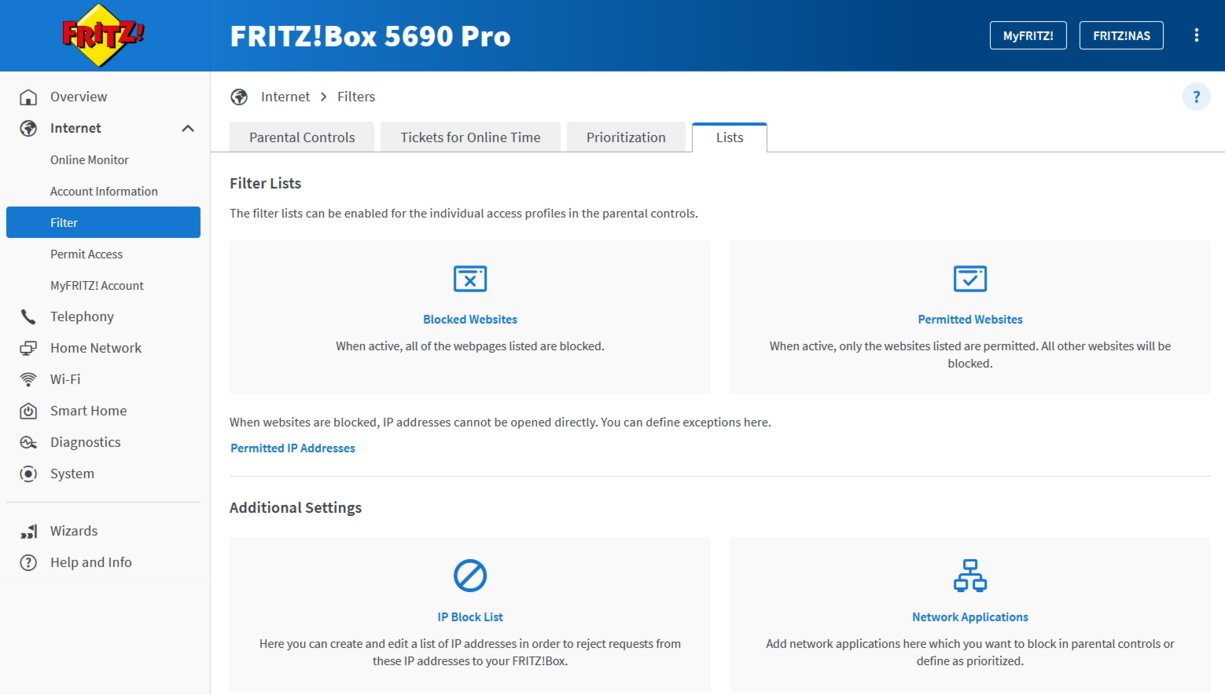
Specify when certain devices are allowed to be online – for instance, training computers, PCs in the lounge, or devices loaned to visitors. This prevents the access from being used outside the desired periods and lets you keep control of the availability of the internet in everyday use. As needed, private terminal devices can also be completely excluded from internet use. To do this, simply lock the standard profile which is assigned to every new device by default. This way only devices assigned to a certain filter have access.
- Allow internet use only at specified times: Enable the ‘Schedule’ option and specify the periods during which internet use is allowed or prohibited.
- Limit internet use per day: Enable the ‘Time Budget’ option and specify how many hours per day a device or group or users may be online daily.
Tip: Time budgets are not suitable for smartphones and tablets, as these establish a permanent internet connection that soon exhausts any time budget.
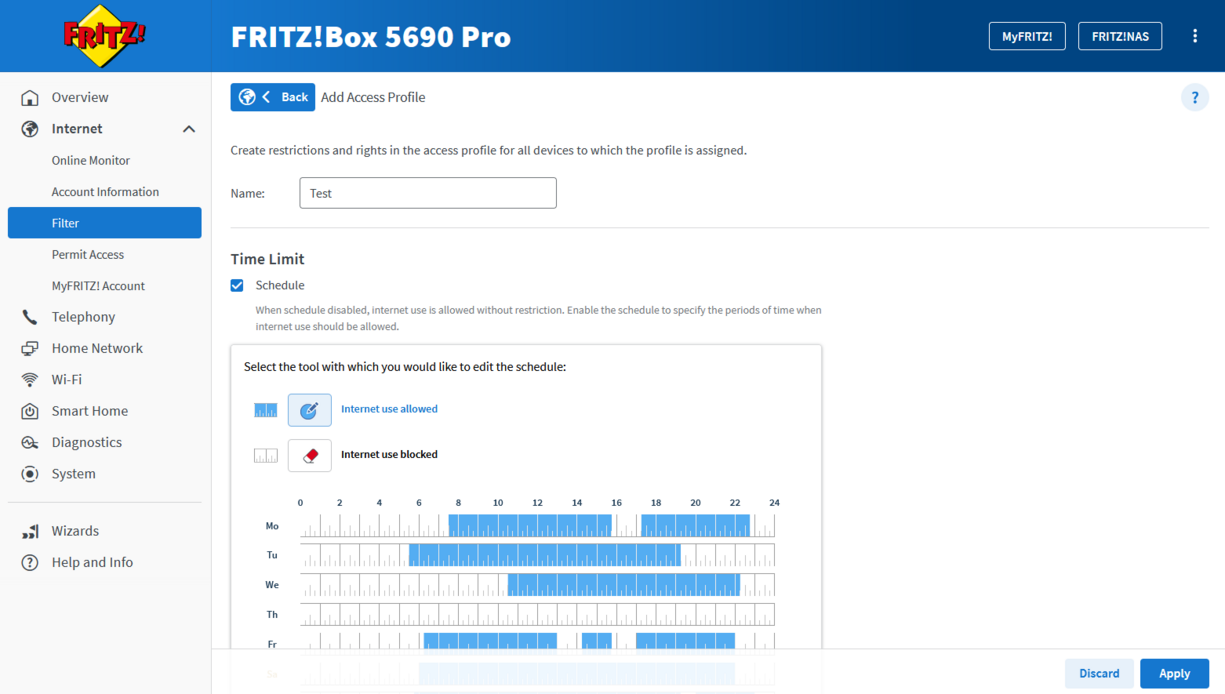
Tickets for additional online time
With Time Tickets you can grant devices with restricted internet use additional online time in the short term – for spontaneous research, for instance, for extended training sessions, or for exceptional situations every day work. A time ticket allows 45 additional minutes of internet access.
Important: Filter rules and blocked applications remain active. This way you can always keep an eye on the security of your company network. Each ticket consists of a randomly generated six-digit numerical code. Once a ticket is redeemed, the given device is granted additional online time in the network.
If a restricted device is online outside of the defined use time, a window for entering the ticket opens automatically when the browser is started.
The tickets can be redeemed by opening http://fritz.box. Detailed step-by-step instructions can be found in the Knowledge Base.
Stable Performance for Important Applications
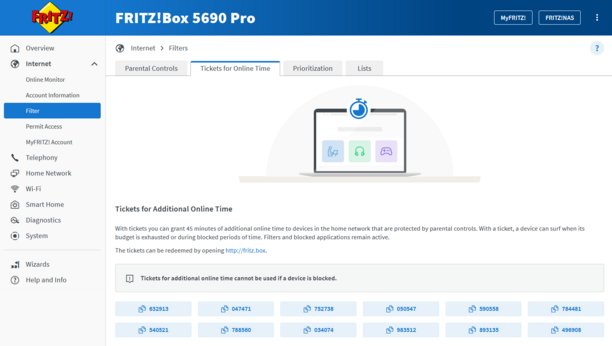
When individual devices place high demands on the internet (e.g. through large downloads or streaming), telephony and cloud services often suffer. With appropriate restrictions you can ensure that sufficient bandwidth for business-critical applications like VoIP, VPN, video calls and central company software remains available – especially in locations with restricted bandwidth.
- In the Prioritization area you define which network devices and network applications are prioritized when the internet connection is at full capacity. You can also reserve bandwidth for the devices in the home network of the FRITZ!Box. The remaining bandwidth is available to the device in the guest network. Whenever the bandwidth reserved for the home network is not needed, it can be used in the guest network.
Controlled Access for Guests, BYOD and IoT
Be they guest devices, private smartphones in the context of BYOD or IoT components like smart TVs and displays – not every device in the network requires unrestricted internet access. With the FRITZ!Box you can define specifically which contents and websites can be reached – and which cannot
Controlled internet access helps you consistently enforce internal IT guidelines, reduce security risks from problematic contents and clearly guide internet use to the working context. This way you combine convenience for users with a well thought-out security and rights concept.
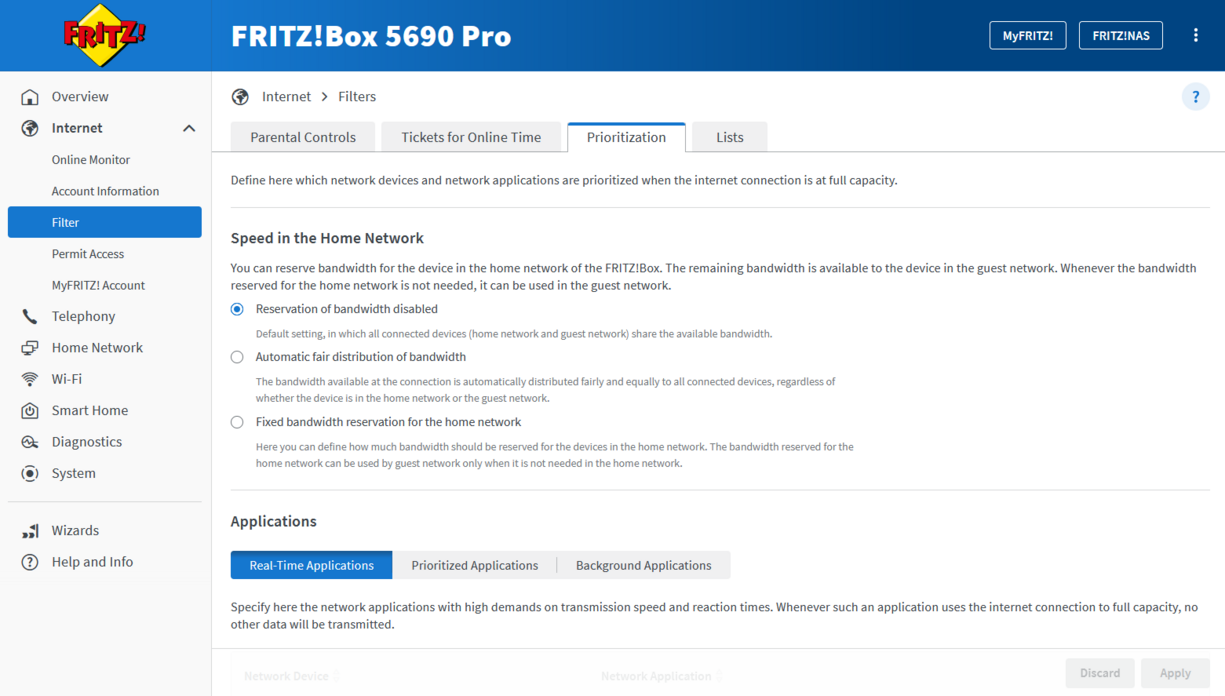
- The filter lists (permitted/blocked websites) can be enabled for the individual access profiles in the parental controls. When websites are blocked, IP addresses cannot be opened directly. There you can also define exceptions. The IP block list and blocking certain network applications like the FTP server are also managed here. This way you can precisely control which contents and services are allowed to be used in the network – transparent, clear, and flexibly adaptable.
Have any questions?
We're happy to answer them for you! You can find out how to get in touch with your contact person under Contact.
 Deutschland
 Österreich
 España
 Schweiz
 Italia
 Nederland