
Secure Access: Firewall and Port Sharing
go directly to the main content
Secure Access: Firewall and Port Sharing
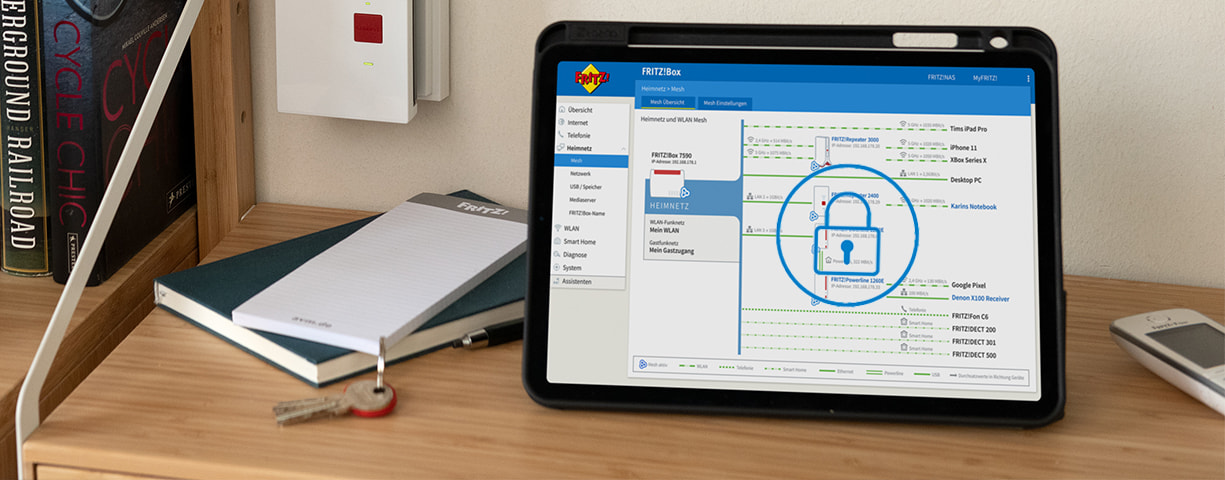
Protection from hackers and security for your own data – even in the factory settings, the firewall of the FRITZ!Box protects all connected network devices from unwanted data from the internet. Become acquainted with the FRITZ!Box firewall and find out how you can allow more leeway with port sharing on individual network devices.
Features of the Firewall at a Glance
Without you having to make any settings, the FRITZ!Box checks all incoming and outgoing data packets and automatically rejects unsolicited data (Stateful Packet Inspection). From the internet it is not possible to directly access your network devices, because these are invisible in the internet – this is guaranteed by IP masquerading or through Network Address Translation (NAT). Here an example:
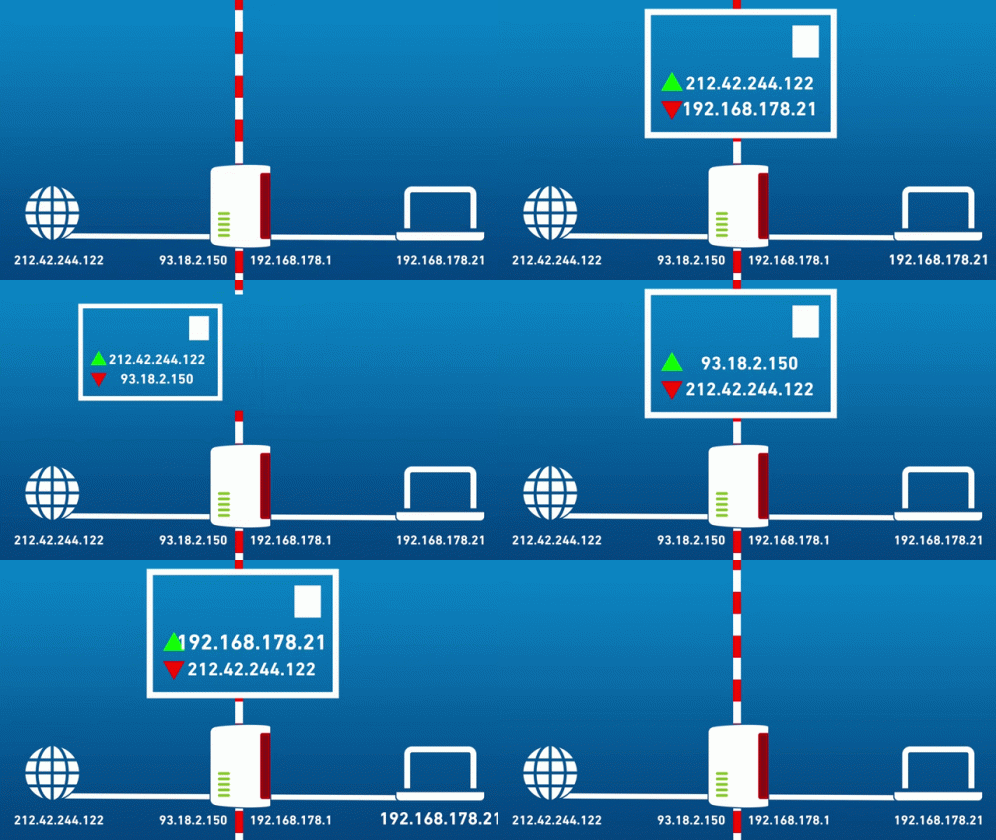
A terminal device sends a query to a service in the internet, for instance, to open business.fritz.com. The FRITZ!Box saves this query in its routing table. If a response from the service then arrives at the FRITZ!Box, it is inspected to check whether the status is correct. If the response from the service is a direct answer to the terminal device's query, the FRITZ!Box forwards the data to the terminal device.
To protect against what are known as ‘port scans’, all TCP and UDP ports on the FRITZ!Box are closed by default. If a network device should be reachable from the internet, port sharing must be configured for this device.
The Most Important Requirement
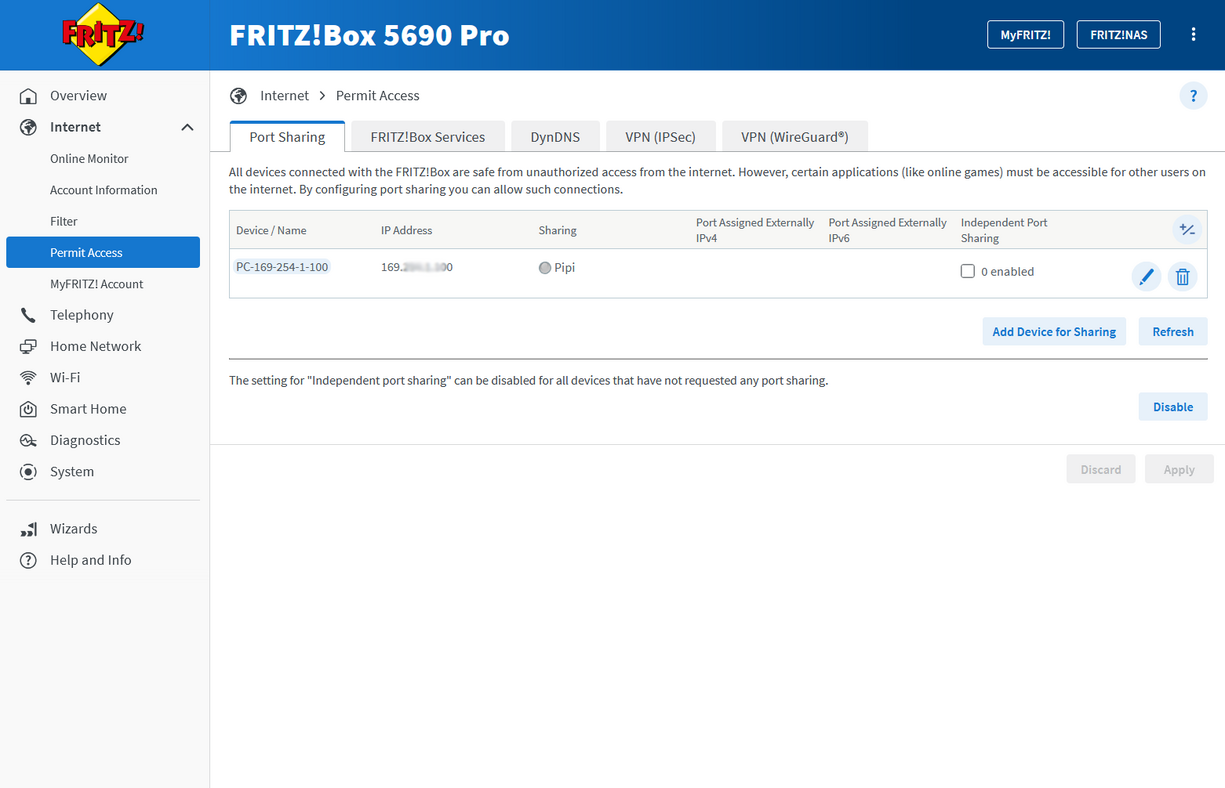
If port sharing is allowed, a ‘gate’ in the firewall is release for the selected device. Through this gate you access the network device directly from the internet. Similarly to a VPN connection, a public IP address is required for port sharing. Only if the FRITZ!Box can be reached from the internet can devices behind it be accessed through port sharing.
Kinds of Port Sharing
The user-friendly way is for ports to release themselves without you having to make any settings, for instance, for SIP telephony.
To configure explicit port sharing, you have various possibilities:
Static Port Sharing
Static port sharing is the right choice for remote maintenance or VPN servers. If the application supports neither UPnP nor PCP, static port sharing is a good alternative to automatic sharing.
Automatic Sharing
If the application requires a great number of shared ports, or different ports are used each time the application is used, automatic port sharing is the best choice. This kind of sharing is often used on game consoles.
Exposed host
ATTENTION: Use this option only in exceptional cases, as the firewall for the selected device is completely disabled in this scenario.
An exceptional case could look something like this: Static port sharing was configured for a server, but the port sharing does not work. As a test, this application can be temporarily configured as an Exposed Host. If access then works, the static port sharing was configured incorrectly.
MyFRITZ! sharing
If you wan to access a web server or a NAS system, MyFRITZ! sharing settings make sense. It should be possible to reach the application vai a URI scheme like https or ftp, for instance. This sharing allows the application to be accessed via a direct link on myfritz.net/myfritz.net.
Have any questions?
We're happy to answer them for you! You can find out how to get in touch with your contact person under Contact.
 Deutschland
 Österreich
 España
 Schweiz
 Italia
 Nederland