
VPN with FRITZ!
go directly to the main content
VPN with FRITZ!
Access home and company networks securely
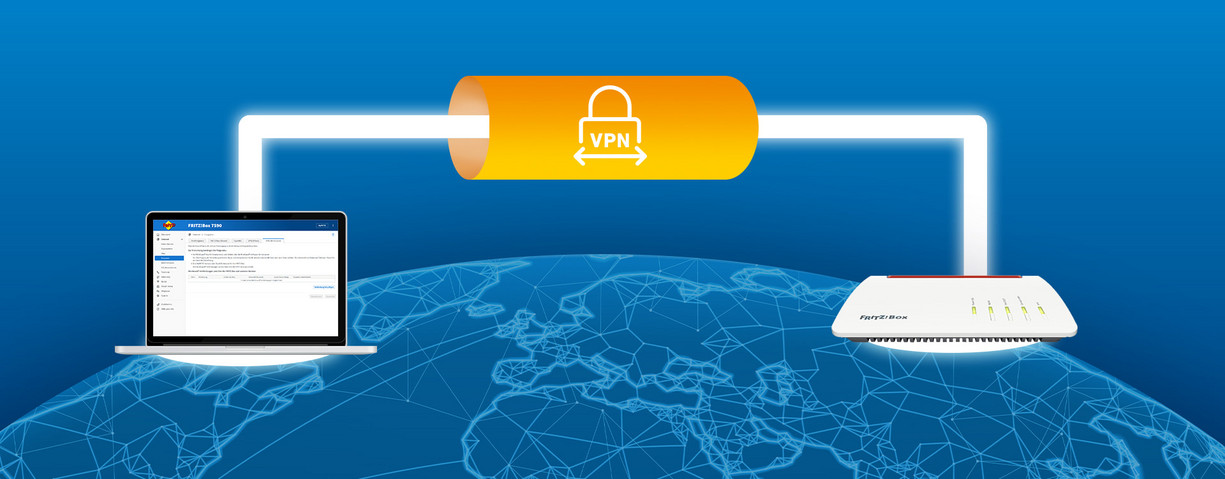
These days, many companies work flexibly: in the office, from home, or on the go. With a VPN (Virtual Private Network) the FRITZ!Box enables secure access to devices and data in one's own network – from all over the world. Via an encrypted connection, users access NAS, internal applications, printers, or VoIP telephony, for example – just as if they were right there at the source. Even in public Wi-Fi networks, such as in a hotel, train or café, a VPN ensures secure data transmission.
Two strong VPN protocols are WireGuard and IPSec
With WireGuard and IPSec, the FRITZ!Box supports two established VPN protocols with which secure connections to the home or company network can be set up. Both procedures ensure encrypted data transmission and protected access to network devices and applications. Depending on the actual scenario, one protocol or the other offers practical advantages.
WireGuard – particularly quick and easy to set up
WireGuard is a state-of-the-art VPN protocol distinguished by its very easy configuration and its high performance.
Typical advantages:
- fast, stable connections
- particularly easy configuration
- convenient set up on mobile devices via QR code
- ideal for working from home, on the go, and remote access
In many cases, scanning a QR code is sufficient – the smartphone, tablet or notebook is then immediately connected securely to the network. Step-by-step instructions for setting up the WireGuard connection are available here.
IPSec – flexible and widely compatible
IPSec is a tried-and-tested VPN standard supported by many operating systems, routers, and security solutions.
This protocol is particularly suitable:
- for integration into existing VPN infrastructures
- for connections to third-party gateways or firewalls, or
- in the event of special compatibility requirements.
As a result, IPSec offers high flexibility, especially in heterogenous networks.
Typical use scenarios for a VPN with the FRITZ!Box:
- Working from home: Access to company server, NAS, or internal tools
- Field service: Secure access to company resources from on the go
- IT support: Remote access to remote FRITZ!Boxes or networks
- Location networking: Connecting office, branch, or warehouse
- Mobile working: Protection of sensitive data in public Wi-Fi networks
Very important: a public IP address
The most important requirement for a functioning VPN connection is a public IP address. Without this, the FRITZ!Box cannot be accessed from outside. The IP address is assigned by the provider. Take a look at these tips to determine which type of IP address you have.
In Android it is especially easy to establish IPSec connections with the MyFRITZ!App. Install the MyFRITZ!App on your smartphone or tablet, log in to your FRITZ!Box, and set up the VPN connection in the app's settings with just a single click. Now you can always establish a VPN connection to your FRITZ!Box in the MyFRITZ!App under 'Home Network' when you are away from home. See here for more details.
Have any questions?
We're happy to answer them for you! You can find out how to get in touch with your contact person under Contact.
 Deutschland
 Österreich
 España
 Schweiz
 Italia
 Nederland